Set up your business page
Add your logo, colors, heading, and introduction. The form requires name, phone number, email, and contact authorization; comments and a file are optional. Then share your business QR code.
 QR to Customerby Texarkana Computer, LLC
A simpler way to stay connected
Put your business QR code on a sign, a truck, or a business card. Customers can scan it to open a short inquiry form on their phones. Review submissions in your business workspace and follow up when you’re ready.
Simple monthly pricing. No long-term contract.
Already subscribed? Open your Business Portal and choose Usage to upgrade or manage billing.
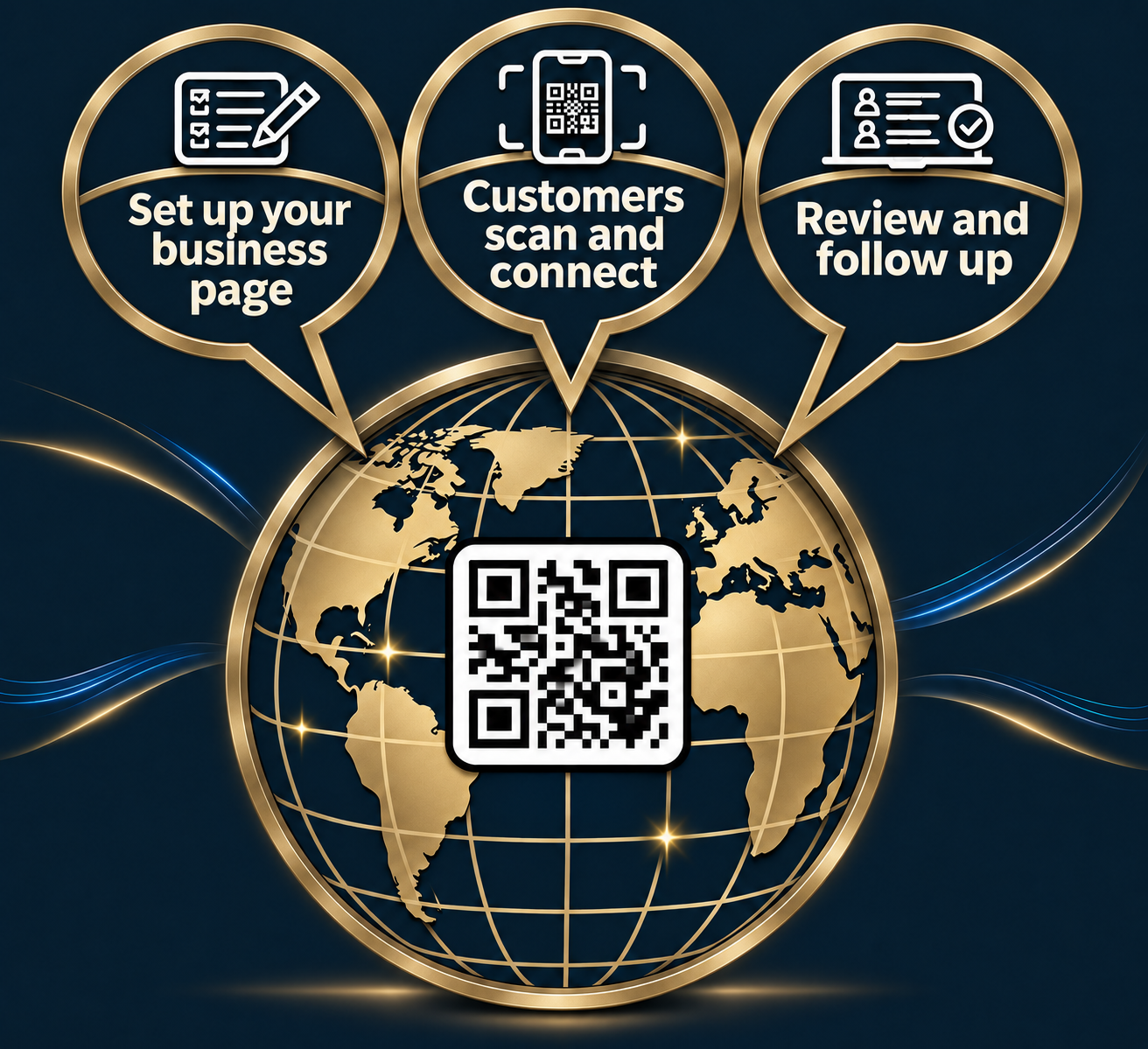
How it works
Make it easy for customers to reach you, wherever they find your QR code.
Add your logo, colors, heading, and introduction. The form requires name, phone number, email, and contact authorization; comments and a file are optional. Then share your business QR code.
Customers scan your business QR code, open a mobile-friendly customer intake form, and submit their contact information in a few simple steps.
Review QR code lead generation submissions in your business workspace, manage or export your customer contacts, and follow up while the conversation is fresh.
Designed for real conversations
Use a business QR code form across your storefront, printed materials, events, or online presence. This QR code customer information form gives people a straightforward way to share the details your business needs and helps you capture leads from QR code scans.
See subscription detailsBranded customer intakeCustomize your page branding. Name, phone, email, and contact authorization are required; comments and a file are optional.
Organized lead managementUse your QR code customer database to review submissions and manage follow-up.
Simple tools for small businessManage customer information and submissions in one workspace.
Straightforward pricing
Choose Standard at $19.95/month or Advanced at $29.95/month with unlimited submissions. Both plans include a 7-day free trial. Cancel at any time.
Up to 100 customer submissions100 completed submissions per subscription billing period, resetting at renewal.
No overage chargesAt 100 submissions, collection pauses until your billing-period renewal or an upgrade to Advanced.
Business owner workspaceManage your customer page and review incoming contacts.
Usage is counted per completed customer form submission. Subscription checkout is handled by Stripe. After Stripe checkout, complete the business setup form. After the setup form is submitted using your checkout email, Stripe is verified and your workspace is automatically created and opened.
Unlimited customer submissionsCollect completed customer inquiries without a monthly submission limit.
No per-submission overage chargesUnlimited submissions are included in your Advanced subscription.
Business owner workspaceManage your customer page, review contacts, and export your customer list.
After Stripe checkout, complete the business setup form. After the setup form is submitted using your checkout email, Stripe is verified and your workspace is automatically created and opened.
Questions and answers
Learn how QR to Customer helps businesses collect and organize new contacts.
QR code lead capture lets a customer scan a code, open a mobile form, and share contact details with your business. QR to Customer stores completed submissions in a business workspace for follow-up.
Set up your branded customer intake page. Name, phone number, email, and contact authorization are required; comments and a file are optional. Share the business QR code on signs, business cards, flyers, or online so customers can open your QR code contact form.
QR to Customer gives each business a customer information collection form connected to its QR code. Customize its logo, colors, heading, introduction, website, and notification destinations. Required contact fields are fixed.
Submissions appear in the business owner workspace, where you can review customer contacts and follow up. It provides simple QR code lead management and customer submission management software for everyday business use.
Yes. It is designed for small businesses that want an online customer intake form, a QR code sign-up form for customers, and a simple way to capture and organize contact details from scans.
Ready to make the next connection?
Choose Standard or Advanced to fit your business. Both plans include a 7-day free trial.